
Instagram Stories feel kind of weirdly temporary for something people lean on all the time. You see it, you think “I’ll grab this later,” and then it disappears in 24 hours like it never even existed, not really. That’s usually when folks start looking up how to download Instagram Stories, right after they’ve already lost the exact thing they wanted, somehow. If you also need to save video content from Instagram feeds, you can use a reliable Instagram video downloader to get high-quality files quickly.
The issue is, Instagram doesn’t really give a proper download option for Stories posted by others. You can save your own, sure, but anything beyond that becomes a bit of a workaround situation. That’s where tools like Snapgram come in, mostly because they remove a lot of friction and don’t force you into installing anything weird.
There are a few different ways people try to save Stories. Some are clean, some are honestly kind of clunky, and some feel like they were built in 2016 and never updated again. Let’s go through the ones that actually get used.
Why Instagram Stories Are Hard to Download
Stories are designed to disappear, so naturally Instagram doesn’t make them easy to grab. It’s not really a technical limitation as much as it is a design choice.
A few things going on here:
- Stories are meant to be temporary, so download buttons are not really part of the flow
- Privacy is a big factor, especially for casual content sharing
- Instagram wants users staying inside the app instead of exporting everything
Because of this, you won’t find a simple “download” button on someone else’s Story. Even screenshots don’t fully solve it, since video Stories lose motion and quality gets flattened. Many Instagram users who save Stories also want to archive feed posts, and an Instagram post downloader makes this process straightforward.
So people end up relying on external tools or quick hacks just to keep things before they vanish.
Method 1: Use Snapgram to Download Instagram Stories
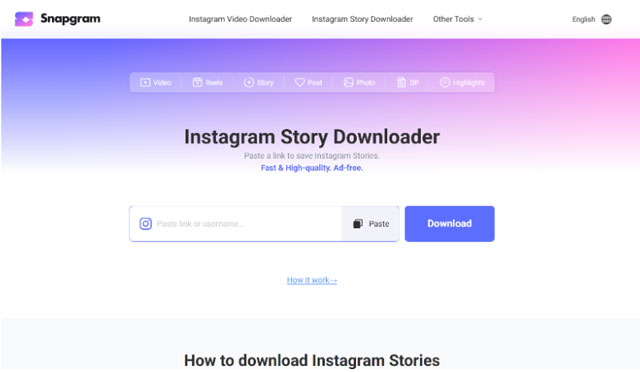
This is probably the least annoying method out of all of them if we’re being honest.
Snapgram basically lets you pull Stories from public profiles and view them in a way that actually makes downloading possible without jumping through ten hoops first.
How it usually goes
1. Copy the Instagram profile link or username

You just open Instagram, go to the profile, and grab the link. Nothing fancy.
2. Paste it into Snapgram
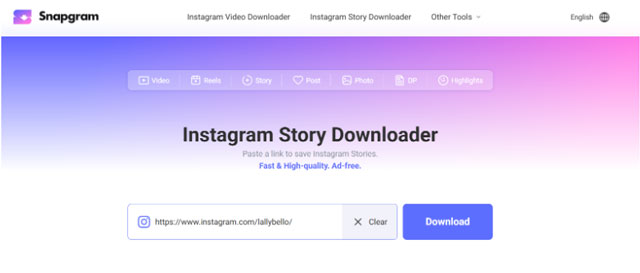
Then you go to Snapgram and drop it into the search box. It loads the available Stories pretty fast most of the time.
3. Open and download the story you want
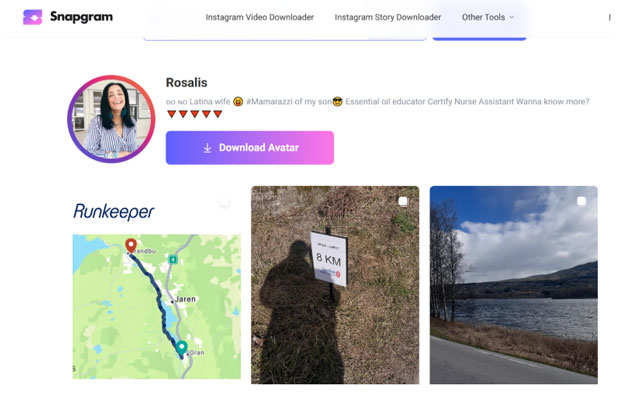
You’ll see active Stories listed out. Tap download, and it saves as MP4 or JPG depending on what it is.
What’s nice here is you don’t really deal with login screens or signups. Also no weird compression in most cases, which is honestly where a lot of other tools mess up.
Method 2: Use Other Online Instagram Story Downloaders
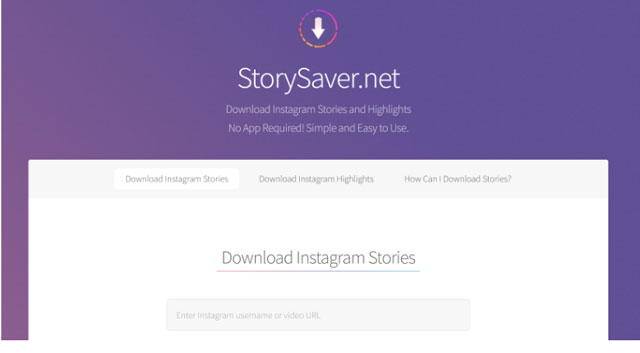
There are a bunch of these tools around the internet. Some are okay, some feel a bit outdated, and a few are just overloaded with ads to the point where you forget what you even searched for.
Two names that come up a lot are Story Saver and SnapInsta. Story Saver is usually the more lightweight type of tool people use for quick grabs, nothing too fancy, just straight downloading. SnapInsta, on the other hand, is a bit more known and structured, often used for downloading different Instagram content types including Stories, posts, and reels from public accounts.
They generally work like this:
- Paste username or Story link’
- Wait for it to fetch content
- Browse results
- Try to download the file
- Sometimes close popups or redirects
The inconsistency is what annoys most people. One day it works fine, next day it slows down or fails to load Stories completely. Also, some of them re-compress videos which reduces quality a bit more than expected.
Method 3: Use Screen Recording (Alternative Method)
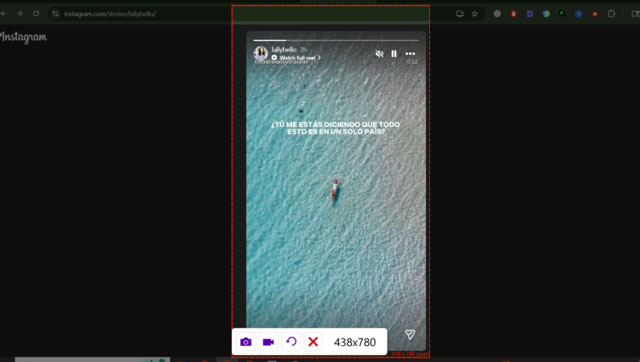
This is the backup option. Not elegant, but it works when everything else doesn’t.
Most phones already have screen recording built in, so you don’t need anything extra.
How people usually do it
- Open the Story on Instagram
- Start screen recording before it plays
- Let it run through the full Story
- Stop recording and save it
It’s simple, but you do lose some quality depending on the device. Also you might capture UI elements or transitions that you didn’t really want in the final clip.
Still, for quick saving, it gets the job done without relying on any tools.
Conclusion
There isn’t really one totally perfect way to download Instagram Stories. Instagram itself doesn’t make it easy on purpose, so everything outside the app is kinda workaround mode. Some people use tools like Snapinsta or Snap Saver, others go with a screen recording, but the method that usually feels the least irritating is using Snapgram because it keeps things simple and doesn’t pile on too many steps in between.
At the end of the day, most people just want to save a Story quickly without dealing with popups or broken flows. The simpler the method, the more it actually gets used.